What it means when the esports score appears before the play
Last checked 6 October 2026.
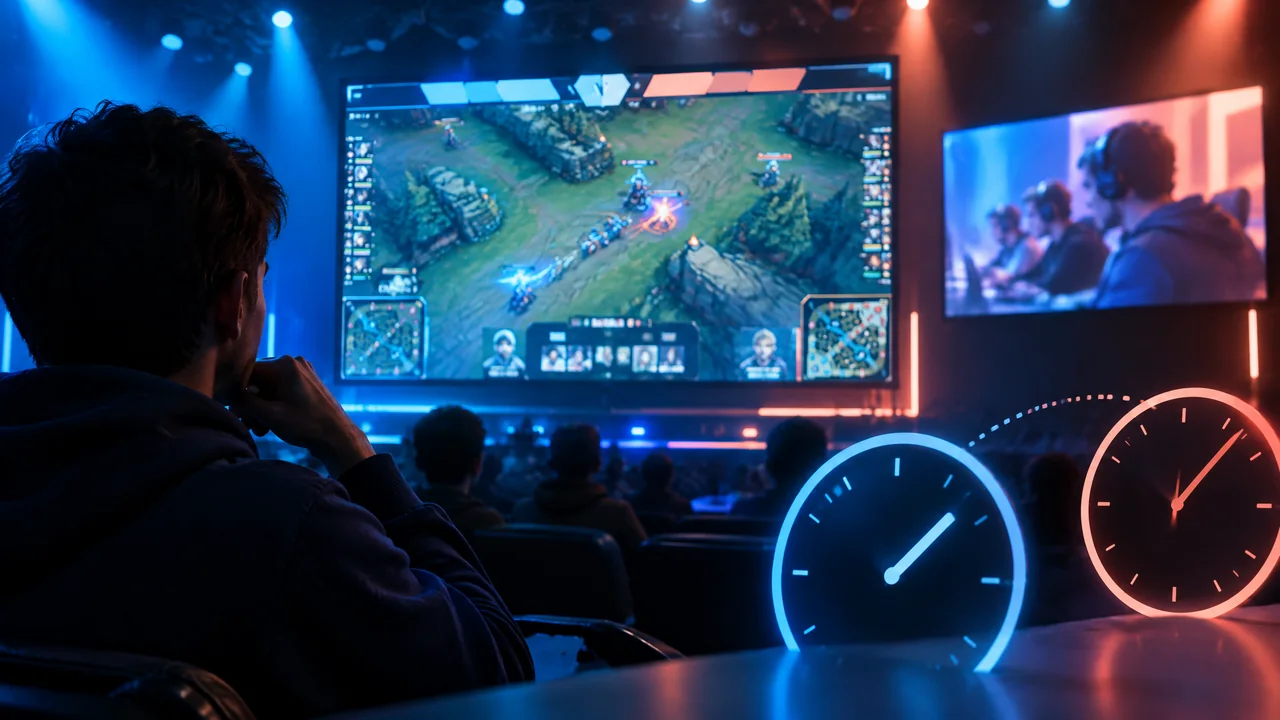
Seeing a score, result alert, or official-looking graphic before the decisive play reaches your screen can feel like a spoiler or a broken stream. Usually it shows that information and video reached you by different routes at different times—not, by itself, that either one is fake.
A live match can produce several viewer-facing outputs: moving video, a score, an event alert, a bracket update, or a graphic. They do not have to arrive together. If the score changes first, the most useful first conclusion is that your player is behind that information surface.
It does not prove the score is correct, identify who produced it, or measure the video delay. Treat it as a timing mismatch to check rather than evidence of manipulation. For general production-to-screen context, see Sports Broadcasting Technology: Capture to Accessible Delivery.
Three clocks can disagree: game event, score or overlay, and your video player
The game event happens first. A service can then update a score or overlay from information available to it, while your player separately receives, buffers, and displays video. A fast update and a slower player can therefore represent the same play without appearing together on your device.
The gap can change as you watch. Your player may hold more video before playback, switch quality, recover from a connection problem, or rejoin at a different point. A graphics surface may refresh on its own schedule. That observation alone does not show that AI, cameras, a particular data provider, or a named tournament technology caused the gap.
A two-minute viewer check before calling the score wrong
Use this as a short diagnostic, not a promised measurement. Note the match, approximate time, device, app or browser, connection type, and what appeared first. That is more useful than “the stream was behind.”
Then use only checks the platform itself makes available: its stream-status display, playback information, or video statistics. If it documents a refresh or rejoin option, try it once and note whether the relationship changes. A rejoin will not fix every delay.
On Twitch, viewers can open Settings, Advanced, and Video Stats to inspect “Latency to Broadcaster” and “Latency Mode” where available. Twitch also says viewers can turn low latency off locally when quality is poor. This is Twitch-specific guidance, not a test for every platform or device (Twitch Help, accessed 6 October 2026).
Do not use chat, clips, reposted scores, or an unlabelled third-party overlay as proof of match state. They may be early, late, copied, or unrelated. If the gap persists, keep your note for support.
Official data is not the same thing as the livestream
Some ecosystems have structured official data, but that does not make every visible score an official feed. Riot says its official esports data covers League of Legends and VALORANT and that it partners with GRID to distribute scores and data. That is title-specific, not a rule for every game, tournament, viewer, or on-screen score.
GRID says covered live-match data comes from official sources under rights agreements and can be delivered through REST, WebSocket, or Kafka. Its sub-200 ms P95 figure concerns core data feeds and varies by title, tournament, and rights agreement. It does not promise the delay on your screen, graphic freshness, or public access.
Riot’s February 2023 VALORANT Data Portal announcement is a useful controlled-access example: it began with official VCT in-game data for 30 partnered teams and described plans to expand access. It does not confirm current access for a particular team, event, app, or fan.
Why a low-latency setting may help—and why it may not
Low-latency mode can reduce part of a video delay, but it is not proof of real-time viewing. Apple’s Low-Latency HLS documentation describes partial segments, playlist updates, blocking reloads, preload hints, and rendition reports. Backend and delivery systems must support the relevant rules; unsupported clients can fall back to regular-latency HLS.
A platform setting may bring your player closer to the live edge, make little visible difference, or trade responsiveness for less stable playback. It does not identify the delivery path of an esports broadcast. For wider timing context, read REMI Sports Broadcasting: How Remote Production Works and the Sports Technology Guide.
What to report to support or the broadcaster
Give the operator something specific to compare with its logs: the match or channel, approximate local time and time zone, device and operating-system version, app or browser version, network type, selected quality, and whether the score, alert, or overlay led or lagged the video.
Include the platform’s own latency or video-stat reading if it displayed one, and whether a documented refresh or rejoin changed the issue. Do not name a cause unless the platform confirms it. A timestamped observation is stronger than a claim that a feed, AI system, broadcaster, or production method failed.
What this timing check cannot tell you
This check cannot verify a score as official, establish that a stream is authorised, measure a universal delay, or show that a named match used Low-Latency HLS. It cannot establish deployment of a particular data vendor, camera system, AI model, or workflow. Nor does a fast data feed mean your player should be equally fast.
If the mismatch concerns the result itself, preserve the details and look for the platform’s own correction or status information rather than treating an early graphic as final proof. The goal is narrower: separate a visible timing gap from claims it cannot support.
Sources
- Riot Games — Official Esports Data; accessed 6 October 2026.
- VALORANT Esports / Riot Games — Riot Games and GRID Launch New VALORANT Data Portal; published 16 February 2023.
- GRID — Live Esports Data; accessed 6 October 2026.
- Apple — Enabling Low-Latency HTTP Live Streaming (HLS); revision dated 21 May 2024.
- Twitch Help — Low Latency Video; accessed 6 October 2026.